Просматривайте активные предложения обмена от реальных игроков CS2 на CSBoard. Каждое предложение показывает доступные предметы и что трейдер ищет взамен. Находите совпадения, отправляйте Steam-запросы и обменивайтесь напрямую — без посредников, без комиссий. Авто-подбор уведомит, когда появятся подходящие офферы. Не хотите обмениваться? Продайте скины мгновенно за USDT.
›Как работают обмены?
Игроки создают предложения, указывая имеющиеся предметы и что хотят получить взамен. Вы можете запросить конкретные скины, любой нож, любые перчатки или принять любые предложения. Найдя подходящий вариант, нажмите кнопку обмена, чтобы отправить запрос через Steam.
›Как создать обмен?
Нажмите 'Создать обмен', выберите предметы из вашего CS2 инвентаря, затем укажите, что хотите получить. Можно запросить конкретные предметы, выбрать категории 'Любой нож' или 'Любые перчатки', или принять любые предложения. Ваш обмен мгновенно появится в ленте.
›Советы для успешного обмена?
Оценивайте предметы справедливо по рыночным данным, добавляйте понятные описания, быстро отвечайте на запросы и поддерживайте хорошую репутацию. Premium пользователи могут закреплять свои обмены в топе для максимальной видимости.
›Что такое бамп и как он работает?
Бамп поднимает ваш обмен обратно в топ ленты, увеличивая видимость. Обычные пользователи могут бампить вручную раз в несколько часов. Premium пользователи получают автоматический бамп каждый час, обеспечивая постоянное присутствие в топе 24/7.














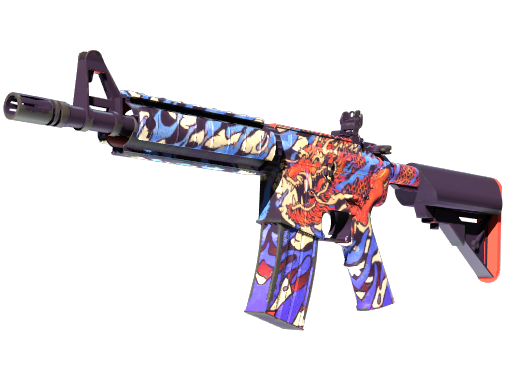



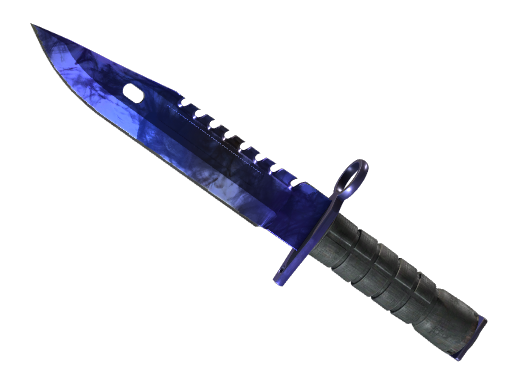
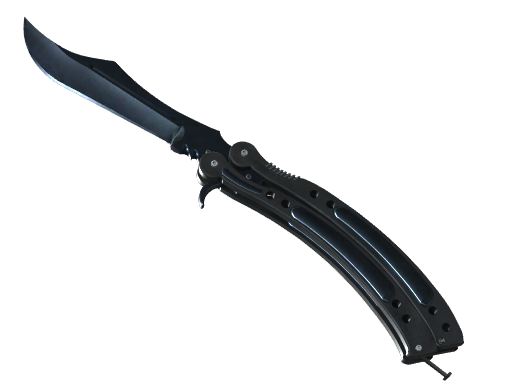
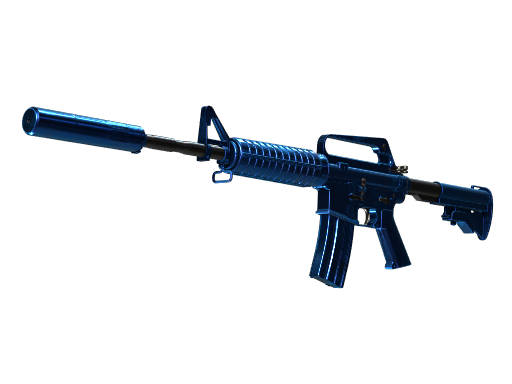





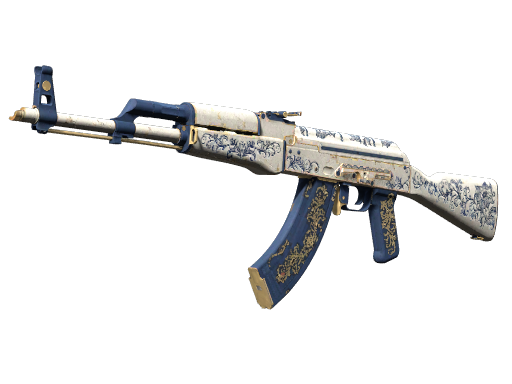

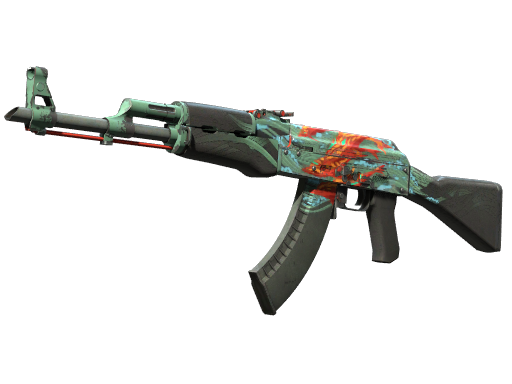

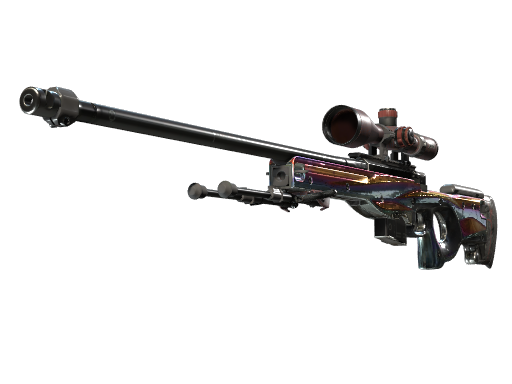
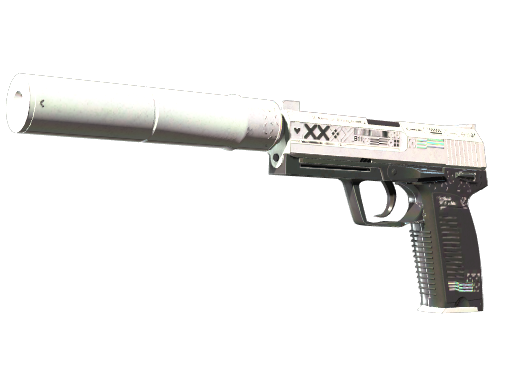









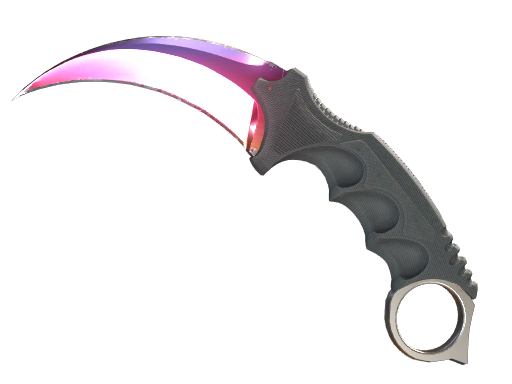
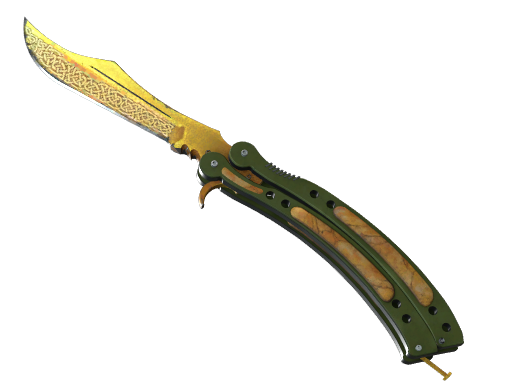
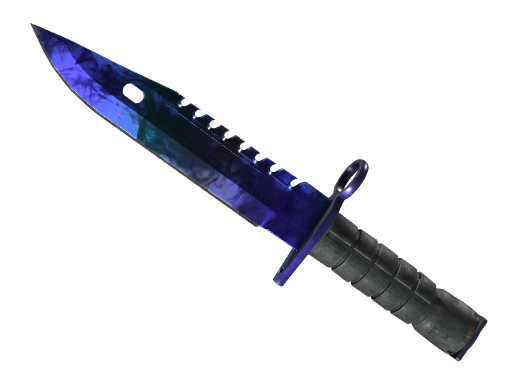
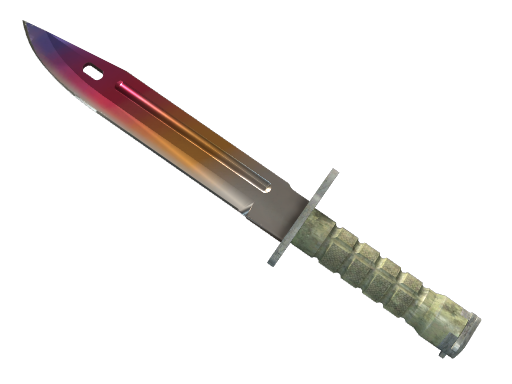


![★ Karambit | Doppler (Factory New) [Phase 2]](/cdn-img/images/econ/default_generated/weapon_knife_karambit_am_doppler_phase2_light_png.png)
![★ M9 Bayonet | Doppler (Factory New) [Phase 2]](/cdn-img/images/econ/default_generated/weapon_knife_m9_bayonet_am_doppler_phase2_light_png.png)